

Docs
Set up the connection
that fits your job.
Pick MCP, a Hook or the Agent Gateway. Each section says what you need, how to make the first check and what you should see.
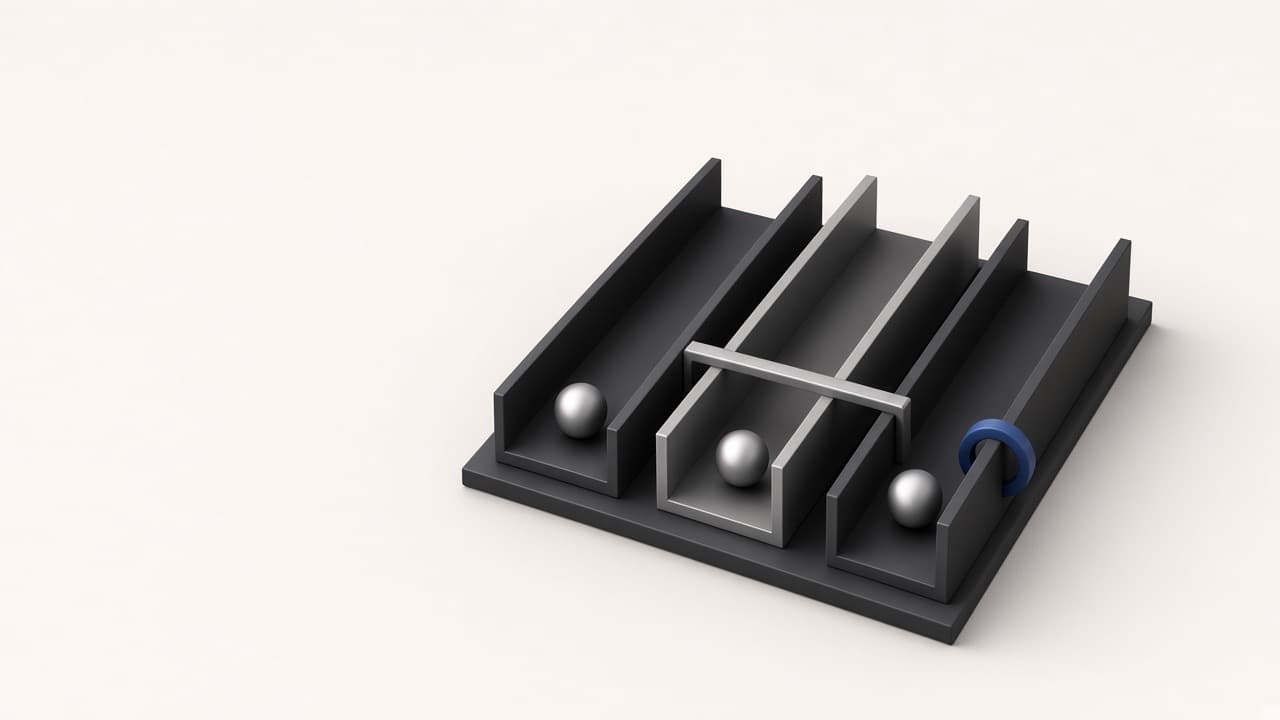

MCP: give your AI the right rule for the job.
- 1
What you need
An AI tool that supports MCP and permission to add a connection in it.
- 2
Add the connection
Add Duplex as an MCP server in your AI tool and sign in to your workspace.
- 3
Confirm the workspace
Ask your AI which Duplex workspace it reaches. It should name yours.
- 4
First check
Ask for a rule your team approved. The answer shows the rule and where it came from.
MCP gives your AI guidance and tools. It doesn’t hold actions in other apps. For a check before a step runs, use a Hook or the Agent Gateway.
Hook: check a step before it goes ahead.
- 1
What you need
A supported coding agent (Claude Code, Codex or Cursor) and the Duplex hooks for it.
- 2
Choose the steps
Pick the steps that should be checked, and what happens when a rule applies.
- 3
First check
Try a step the rule covers, and one it doesn’t. The covered step is checked; the other is labeled as outside the check.
- 4
See the record
Open the record for the checked step: the rule, the outcome and any review.
Agent Gateway: put a check on the route your AI uses.
- 1
What you need
Your own agents, or an AI you can point at a new route.
- 2
Send the route through Duplex
Point the requests you want covered at the Agent Gateway.
- 3
First check
Send one covered request with a proposed tool action, and see the check on its way through.
- 4
Know the edge
Requests that don’t use the route aren’t checked by it. The setup shows which routes are covered.
If it isn’t working.
Try this first
- Check you signed in to the right workspace
- Check your AI tool supports the connection you chose
- Try the first check again with a rule you know exists
- Still stuck? Tell us what you tried and what happened, without passwords or private details
Want help setting it up?
In a pilot, we set up the connection with your team and make the first check together.