

Connections
Choose where
the check happens.
Start with what the job needs. Your AI may only need to look up a rule. For some actions, you may want a check before the next step.
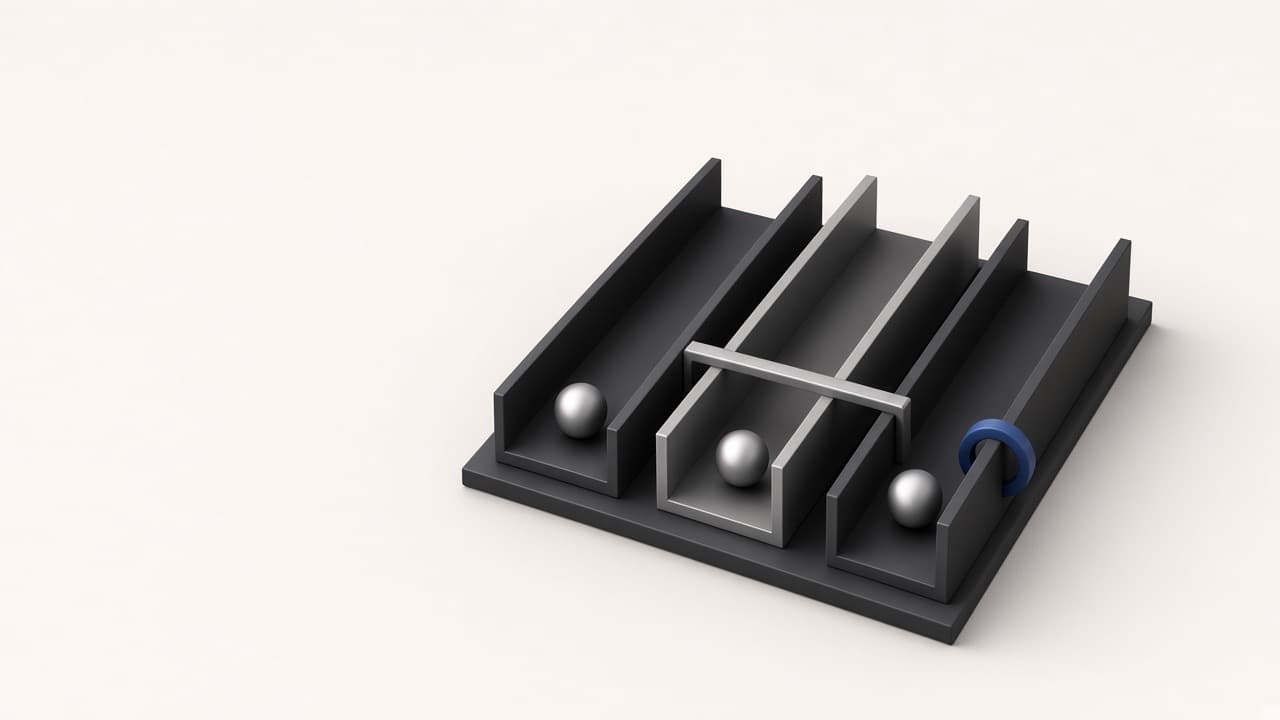

MCP: give your AI the right rule for the job.
Your AI can look up approved rules and methods and use the tools you make available to it.
- 1
Your AI asks
It asks Duplex for the rule or method that fits this job.
- 2
The right workspace answers
Duplex answers from the workspace this connection is allowed to use.
- 3
Your AI applies it
It uses the rule, and the tools it has permission to use.
MCP gives guidance and tools. On its own, it doesn’t hold actions in another app. For a check before a step, choose a Hook or the Agent Gateway.
Hook: check a step before it goes ahead.
On a supported app, put a check at selected steps. Choose what can go ahead and what needs a person to review it.
- 1
A selected step comes up
The app reaches a step your team chose to check.
- 2
Your rule answers
Go ahead, wait for a person, or stop. The outcome is recorded with the rule that decided it.
- 3
Everything else carries on
Steps you didn’t select carry on as usual, and the record shows which ones those are.
Agent Gateway: put a check on the route your AI uses.
Agent Gateway checks covered requests and proposed tool actions on their way through. Your team decides what should happen when a rule applies.
- 1
A covered request
A request on the route passes through Duplex, which brings in the rules that apply.
- 2
A proposed tool action
A tool call the AI proposes is checked before it moves on.
- 3
Your rule decides
Allowed, held for a person, or stopped. Traffic outside the route isn’t seen, and nobody pretends otherwise.
Side by side.
Many teams use more than one. Pick by the job, not by the brand.
| MCP | Hook | Agent Gateway | |
|---|---|---|---|
| Best for | MCP: Looking up rules and methods | Hook: Checking selected steps in a supported app | Agent Gateway: Checking requests and tool actions on one route |
| Where the check happens | MCP: Your AI asks, Duplex answers | Hook: At the steps you select | Agent Gateway: On the route your AI uses |
| Can it hold an action? | MCP: No, it advises | Hook: Yes, the selected steps | Agent Gateway: Yes, covered requests and tool actions |
| What it doesn’t see | MCP: Actions in other apps | Hook: Steps you didn’t select | Agent Gateway: Traffic outside the route |
Talk through your setup.
Tell us which AI and tools your team uses. We’ll show you which connection fits the job.