

Technical overview
See how Duplex fits
with your AI.
Start with the AI and tools you already use. See where Duplex brings in your rules and where a check happens.
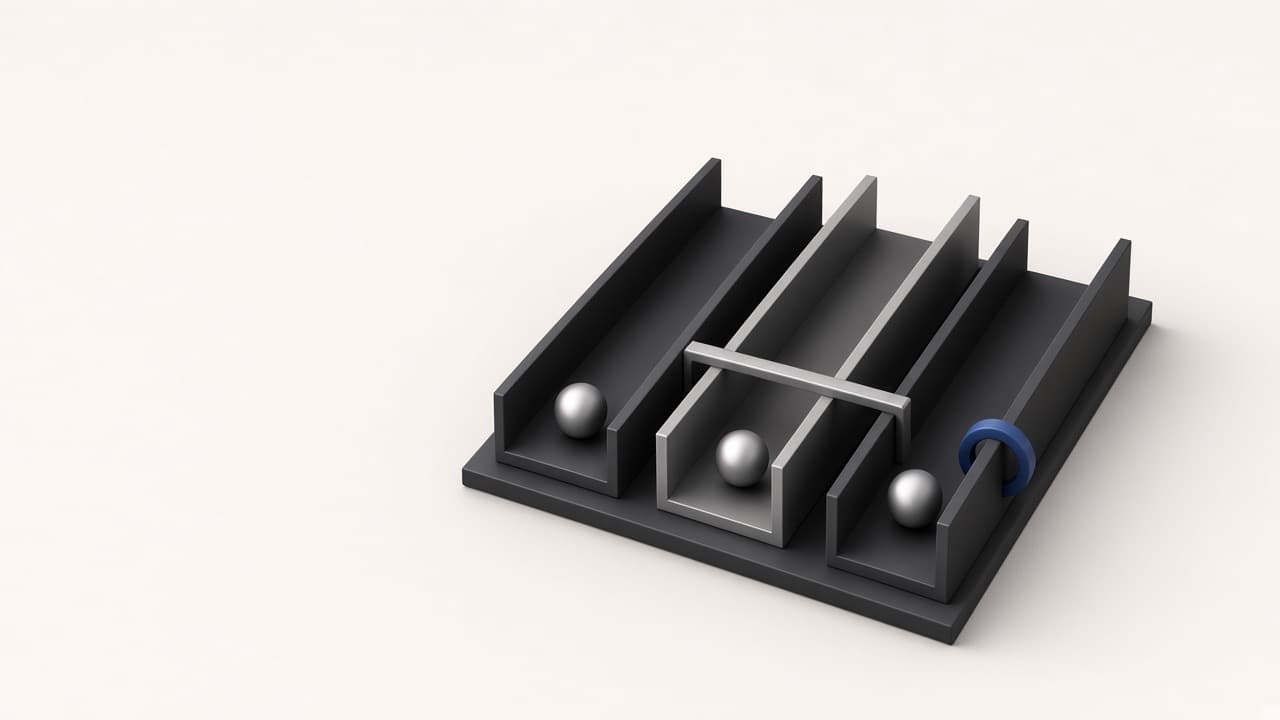
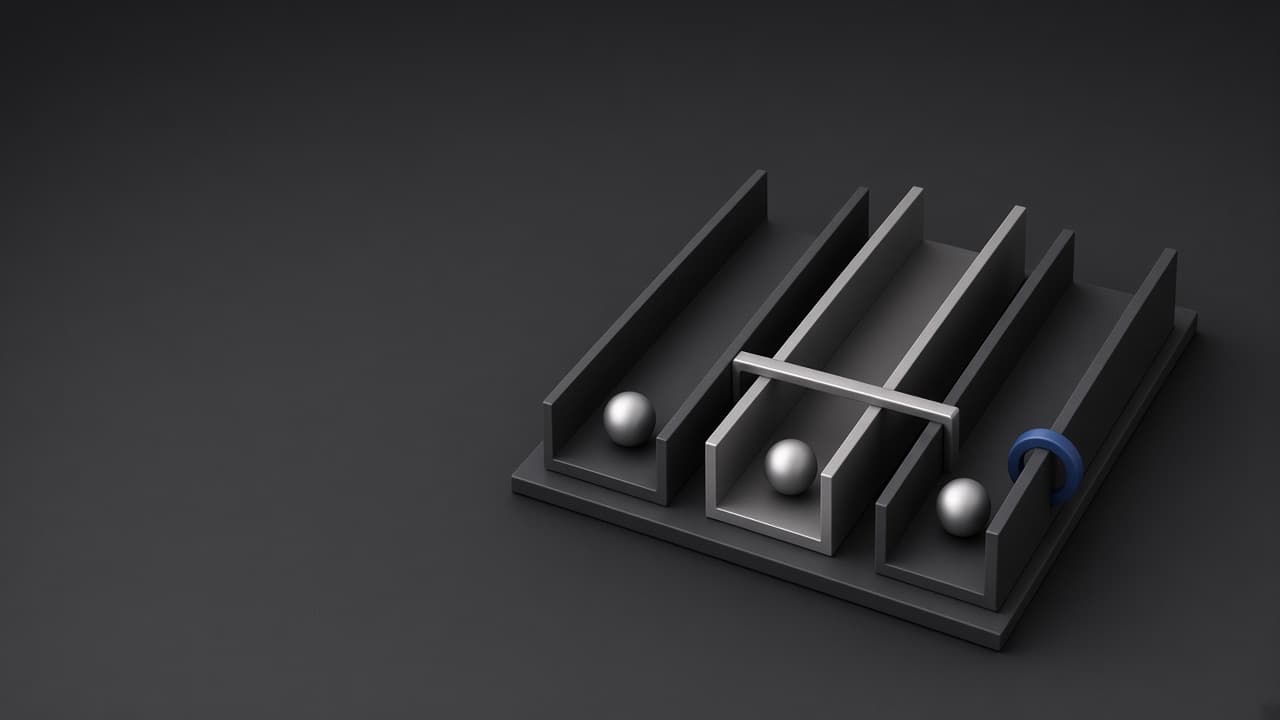
The picture, from left to right.
Your AI does the work. Duplex brings in your way of working. Your tools carry out the steps you allow.
The AI you use
Claude Code, Codex, Cursor, any MCP client, or your own agents
Reads the job
Works through the request with your files and tools.
asks for your rules
The connection you choose
MCP, a supported Hook, or the Agent Gateway
Asks or checks
Looks up rules and methods, or checks a selected step before it runs.
brings your way of working
Your Duplex workspace
Rules, methods and records your team approved
Brings your way of working
Uses the rule that fits, or asks a person when it doesn’t.
carries out the step
Your tools and the result
The tools your team allows
Carries out the step
A reviewed result, with the record of what it was based on.
Three things kept apart.
That’s why you can change one without losing the others.
The model
The AI you choose. Duplex doesn’t change its weights, so you can switch to another supported AI.
The way of working
Your rules, approved methods and checks, kept in your workspace with their sources.
The record
What was used, what was decided and who approved it, ready for review.
See it connected to your AI.
In a pilot, we connect Duplex to the tools your team already uses.